显示标签为“BMW diagnostic tool”的博文。显示所有博文

2019年5月22日星期三

How to use Launch X431 V code E60 BMW 535xi (N54) INJECTORS?

Look here: how to use Launch X431 V to recode or change the injector flow rate for BMW’s, this was done a 2008 E60 535xi with the N54 direct injection twin turbo engine.

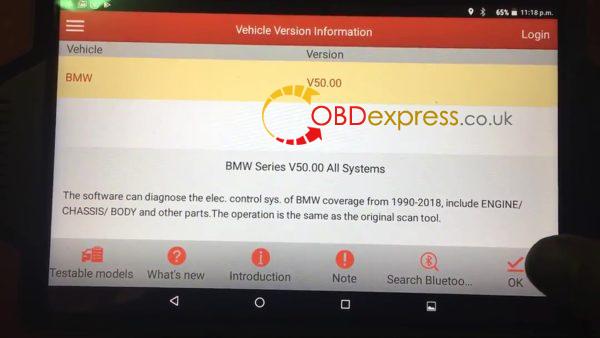
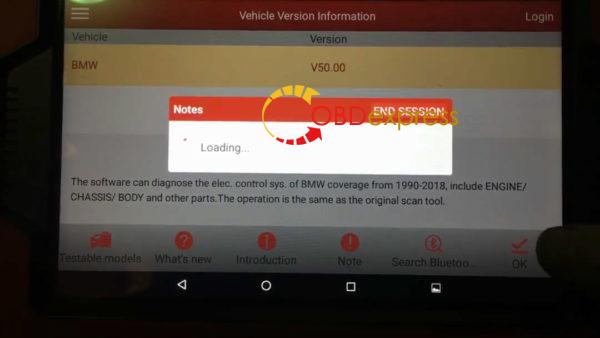
Select "BMW" - then "OK" to confirm the BMW newest Version (V50.00) is not the newest version, here is just an example.
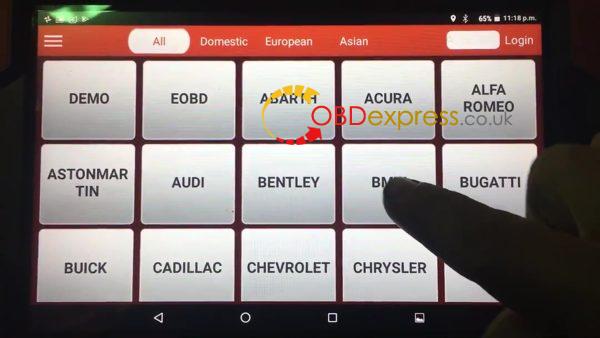
launch_x431_how_to_code_e60_bmw_535xi_n54_injectors-01 launch_x431_how_to_code_e60_bmw_535xi_n54_injectors-01 launch x431 how to code e60 bmw 535xi n54 injectors 3
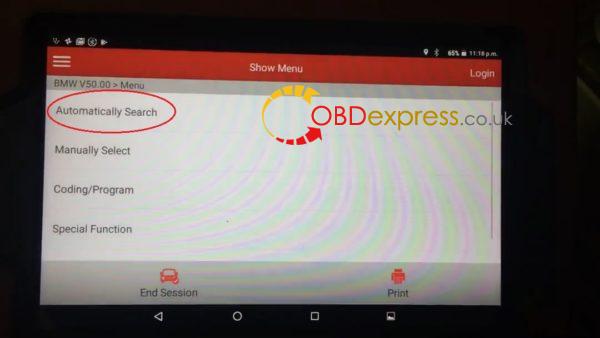
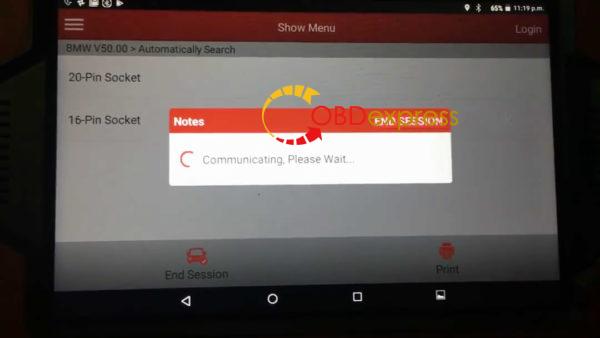
Automatically search.
launch x431 how to code e60 bmw 535xi n54 injectors 4

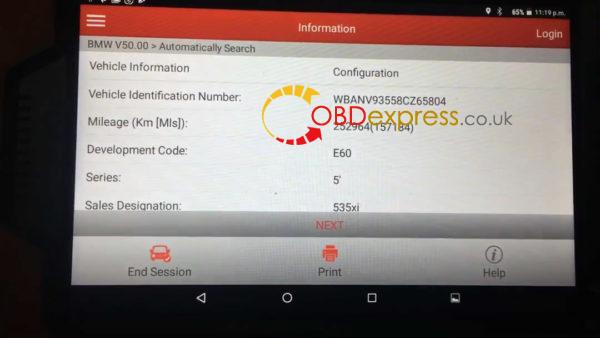
Information
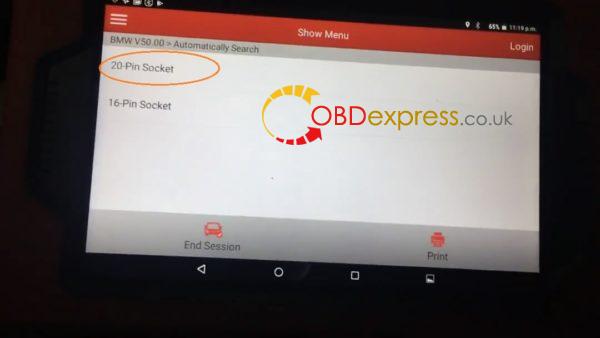
1.If equipped with two socket, 20-pin and 16-pin, please use [BMW-20] connector.
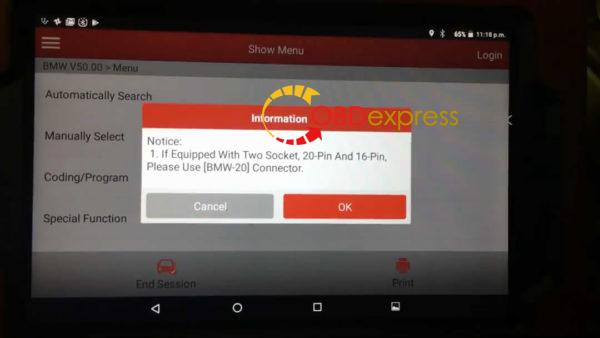
launch x431 how to code e60 bmw 535xi n54 injectors 5 launch x431 how to code e60 bmw 535xi n54 injectors 6 launch x431 how to code e60 bmw 535xi n54 injectors 7

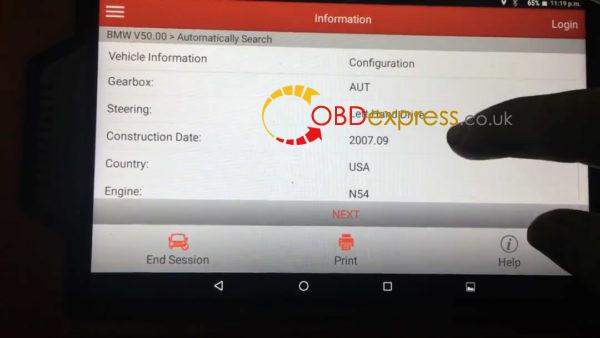
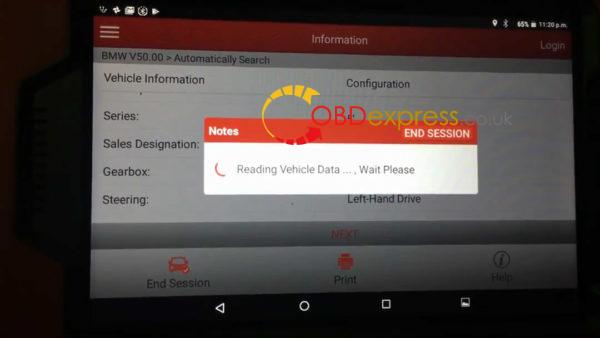
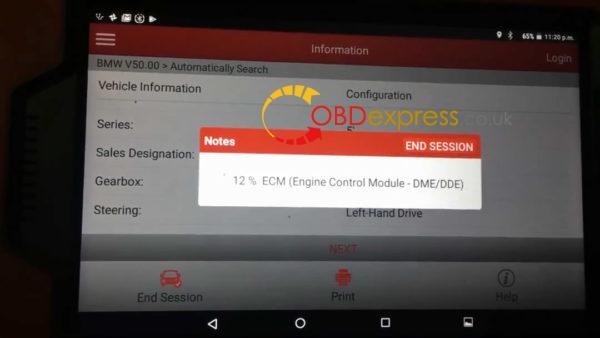
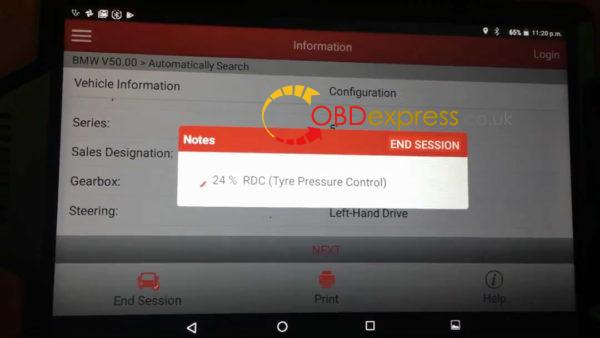
Read out the BMW information.
launch x431 how to code e60 bmw 535xi n54 injectors 8 launch x431 how to code e60 bmw 535xi n54 injectors 9

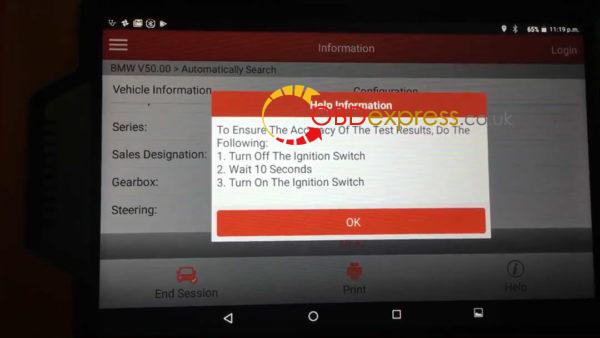
Help Information:
To ensure the accuracy of the test results, Do the following:
  1. Turn off the Ignition Switch.
  2. Wait 10 seconds.
  3. Turn on the ignition switch.
launch x431 how to code e60 bmw 535xi n54 injectors 10 launch x431 how to code e60 bmw 535xi n54 injectors 11 launch x431 how to code e60 bmw 535xi n54 injectors 12 launch x431 how to code e60 bmw 535xi n54 injectors 13

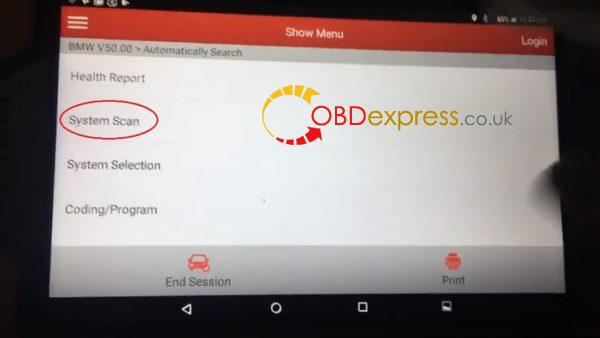
Select "System Scan".
launch x431 how to code e60 bmw 535xi n54 injectors 14
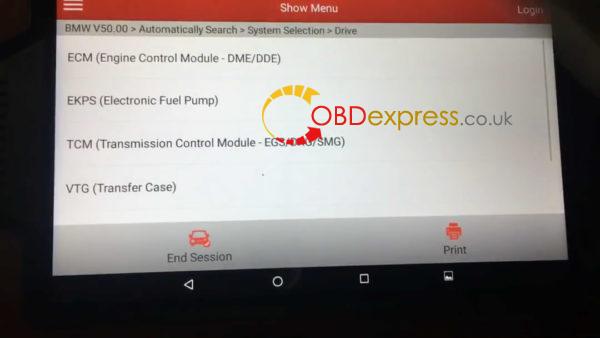
Select "Drive" , then "ECM (Engine Control Module -DME/DDE)".
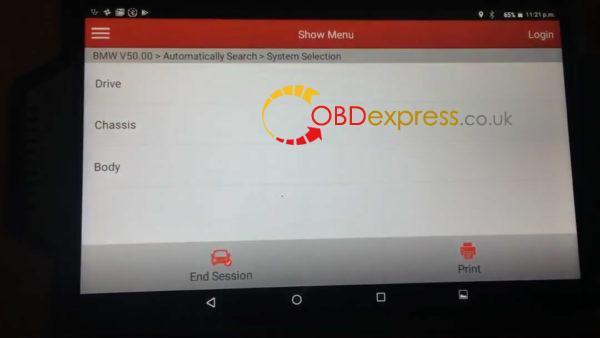
launch x431 how to code e60 bmw 535xi n54 injectors 15 launch x431 how to code e60 bmw 535xi n54 injectors 16

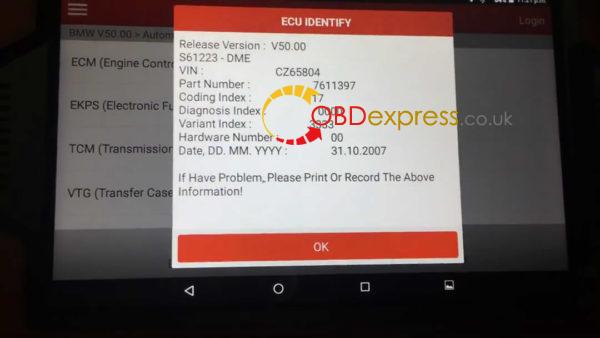
ECU Identify.
launch x431 how to code e60 bmw 535xi n54 injectors 17

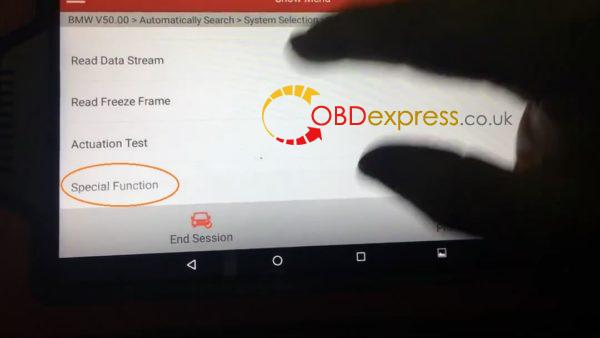
Special Function.
launch x431 how to code e60 bmw 535xi n54 injectors 18

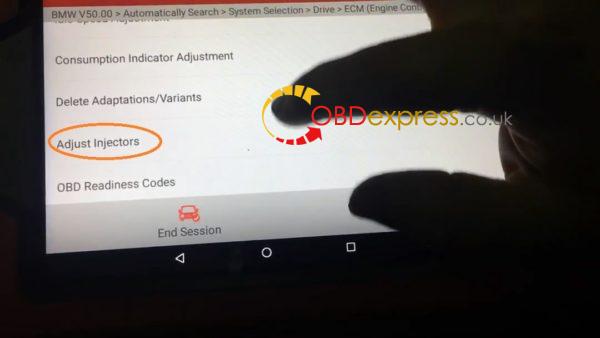
Select "Adjust Injectors."
launch x431 how to code e60 bmw 535xi n54 injectors 19

Selection:
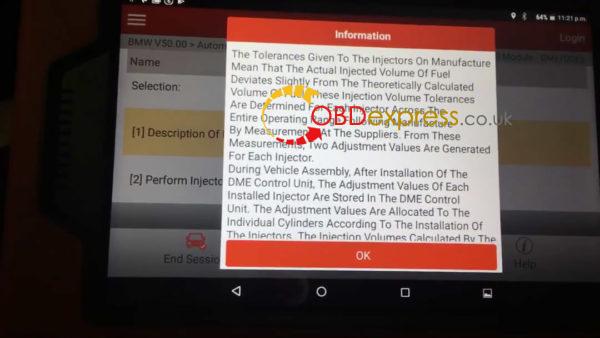
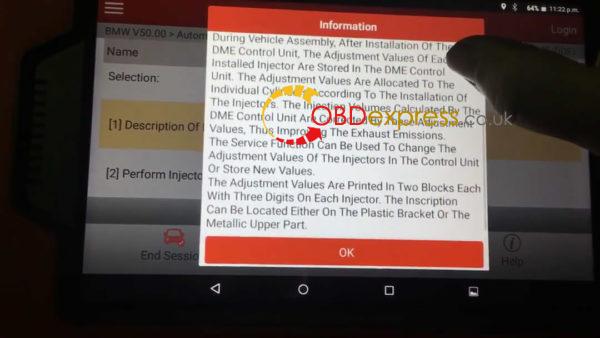
  1. Description of Injector Rate Adjustment.
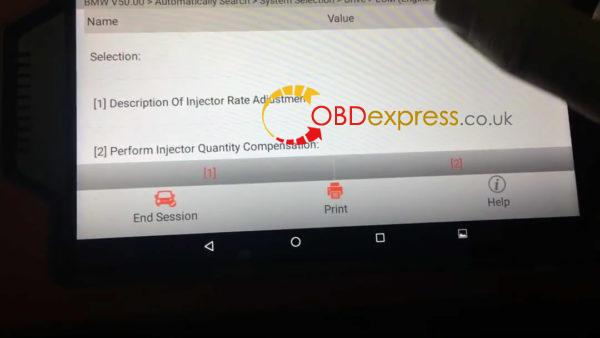
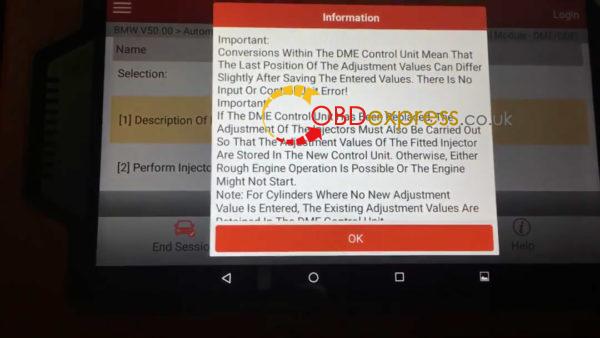
launch x431 how to code e60 bmw 535xi n54 injectors 20 launch x431 how to code e60 bmw 535xi n54 injectors 21 launch x431 how to code e60 bmw 535xi n54 injectors 22 launch x431 how to code e60 bmw 535xi n54 injectors 23
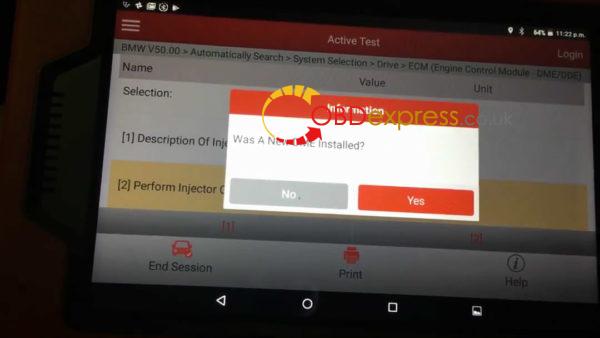
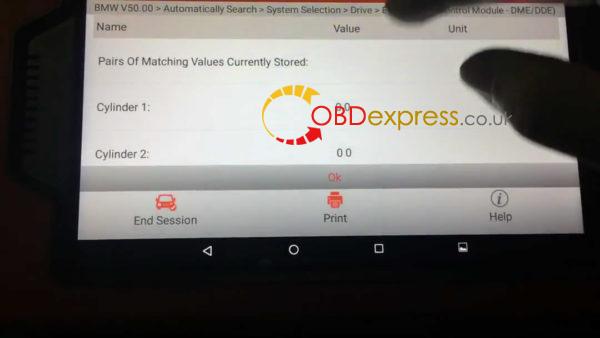
  1. Perform Injector Quantity Compensation.
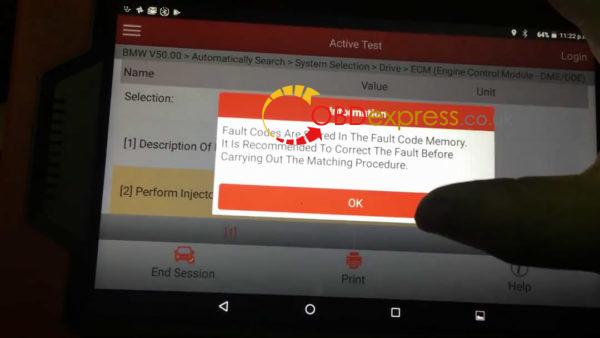
launch x431 how to code e60 bmw 535xi n54 injectors 24 launch x431 how to code e60 bmw 535xi n54 injectors 25 launch x431 how to code e60 bmw 535xi n54 injectors 26

End the session.
Launch X431 V to recode or change the injector flow rate for E60 BMW 535xi (N54),works  done!
Enjoy.

www.obdexpress.co.uk


http://www.obdexpress.co.uk/service/launch-x431-v-to-recode-injector-flow-rate-for-bmws-36826.html

2017年2月22日星期三

How to use Launch M-Diag Lite on BMW 520Li 2014?

This is a test report of a Launch M-Diag Lite obdii scanner. It works perfect on 2014 BMW 520Li (F18) in obdii diagnosis and special functions. Here you go.

Model: BMW 520Li 2014
Phone: a HUAWEI smart phone
System: Android

Before using M-Diag Lite, please firstly download M-diag APP which can be found on IOS App Store and Android APP on Google Play, then install APP-> complete registration-> click on BMW car software to download

Select BMW V49.50 and confirm
Launch-M-Diag-Lite-2014-BMW-520Li-F18-1

Connect Bluetooth (no password needed; if it needs it, try 1111 or 0000)
Launch-M-Diag-Lite-2014-BMW-520Li-F18-2

Choose Automatically search-> 16 pin socket
Launch-M-Diag-Lite-2014-BMW-520Li-F18-3

Launch-M-Diag-Lite-2014-BMW-520Li-F18-4

Launch-M-Diag-Lite-2014-BMW-520Li-F18-5


2014 BMW 520Li (F18) vehicle info
Launch-M-Diag-Lite-2014-BMW-520Li-F18-6

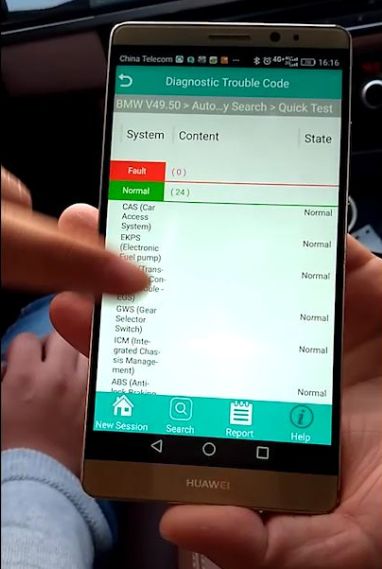
Choose Quick Test
Launch-M-Diag-Lite-2014-BMW-520Li-F18-7

Launch-M-Diag-Lite-2014-BMW-520Li-F18-7

Launch-M-Diag-Lite-2014-BMW-520Li-F18-9


Tap ECM
Launch-M-Diag-Lite-2014-BMW-520Li-F18-10

Launch-M-Diag-Lite-2014-BMW-520Li-F18-11


Choose Read fault codes
Launch-M-Diag-Lite-2014-BMW-520Li-F18-12

Launch-M-Diag-Lite-2014-BMW-520Li-F18-13


Read data stream-> Automatic engine start stop function
Launch-M-Diag-Lite-2014-BMW-520Li-F18-14

Select all then tap confirm
Launch-M-Diag-Lite-2014-BMW-520Li-F18-15

Choose Graph
Launch-M-Diag-Lite-2014-BMW-520Li-F18-16

Launch-M-Diag-Lite-2014-BMW-520Li-F18-17

Back to menu
Choose Fuel system-> Fuel temperature
Launch-M-Diag-Lite-2014-BMW-520Li-F18-18

Choose Page, then confirm
Launch-M-Diag-Lite-2014-BMW-520Li-F18-19

Choose Graph
Launch-M-Diag-Lite-2014-BMW-520Li-F18-20

Launch-M-Diag-Lite-2014-BMW-520Li-F18-21

Back to menu
Choose Fault report
Launch-M-Diag-Lite-2014-BMW-520Li-F18-22

Back to menu
Choose Special function
Launch-M-Diag-Lite-2014-BMW-520Li-F18-23

Choose 3 series...
Launch-M-Diag-Lite-2014-BMW-520Li-F18-24

Launch M-Diag Lite scanners support multiple special function software and actuation tests incl. Oil / Service reset,  ABS bleeding, IMMO & key programming, throttle body adaptation, brake pads, steering angle reset, battery matching, DPF regeneration, Injector coding